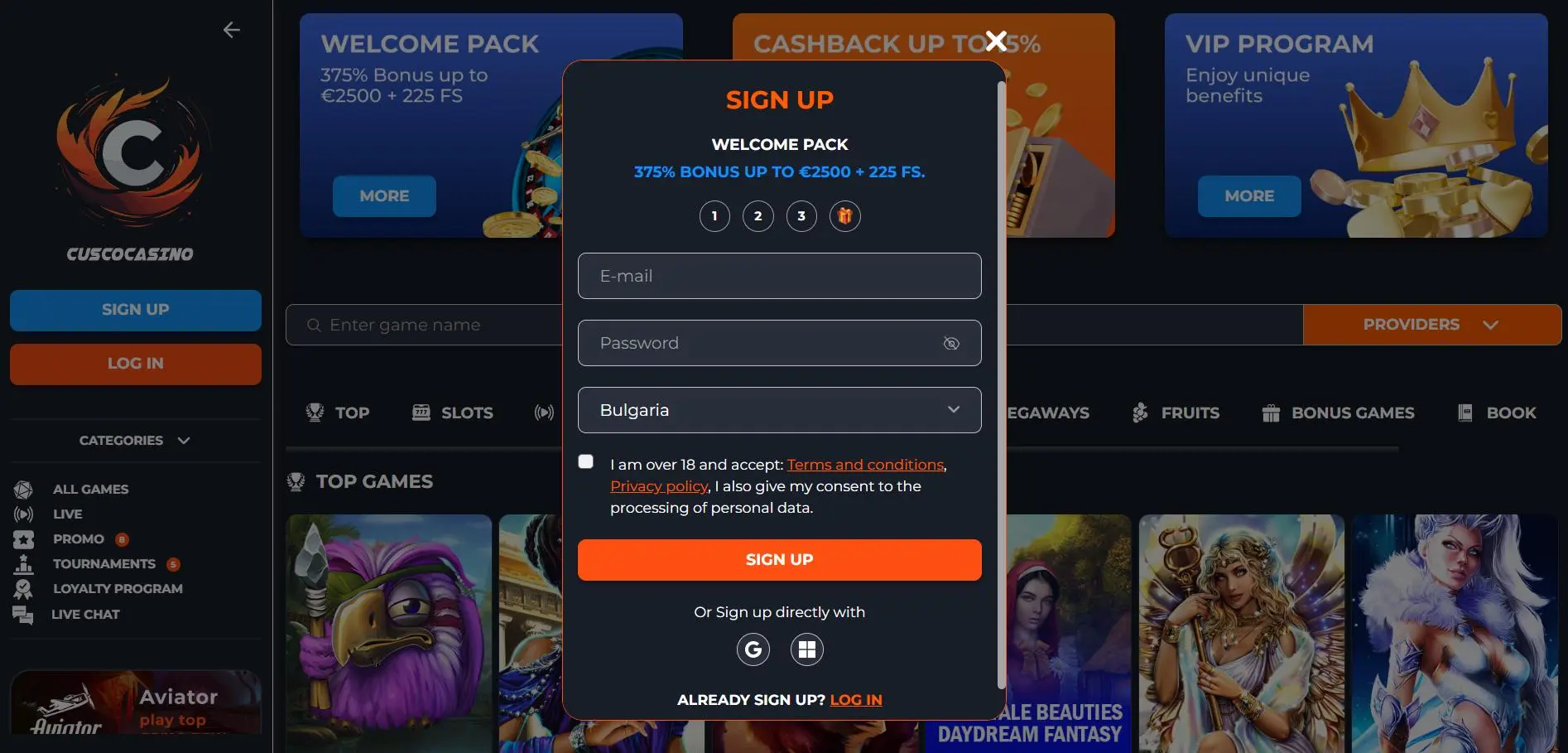
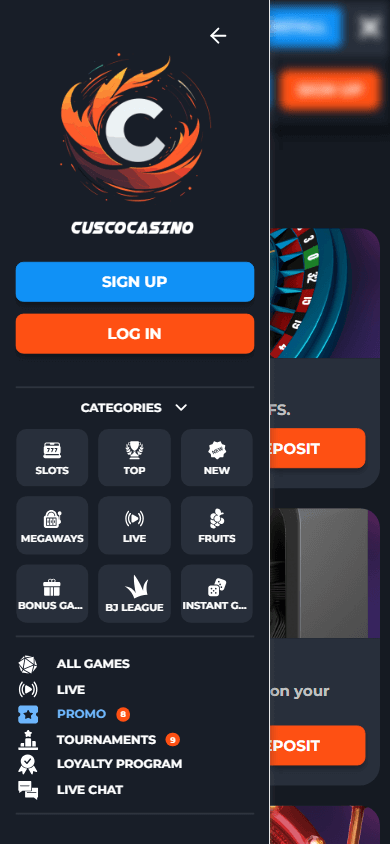
Before logging in, check two things: are you on a connection that doesn't falter, and is your phone not in power-saving mode which blocks notifications? After that, log in and go directly to your account section to see if anything is pending: ongoing requests, messages, or a step that still needs to be confirmed.
On mobile, confusion often arises from repetition. You press the same button twice 'just to be sure' because you don't see immediate results. Train yourself to do the opposite: confirm once, then open the overview. If something is 'in progress', let it run. You gain peace of mind by not forcing it.
This also aligns with responsible gaming. Cusco Casino is available in Netherlands and intended for adults (18+). Responsible here primarily means: you are aware of your own behavior. You don't start on autopilot, you check your limits, and you stop on time.
Login Steps on Phone and Tablet
Imagine: you switch between phone and tablet, and you notice that you always have to search for where everything is. This usually happens because you don't have a fixed routine. Create one: open, log in, check status, only then play.
On a phone, you work best with short actions. You log in, you look at your balance and transaction overview, and only then do you open a game. If you start playing immediately, you might sometimes miss a message that requires your action (for example, a confirmation or a security notification).
On a tablet, everything feels bigger and calmer, but the pitfall is the same: clicking too quickly without a checkpoint. Therefore, apply the same logic on both devices. Also, keep your sessions clean: when you're done, log out. An open session on a device you leave at home sounds innocent, until later you no longer know where a notification came from.
Common Problems and Quick Fixes
Imagine: you type your password and get an error message, even though you're sure it's correct. Often it's not a 'mystery', but a simple cause: caps lock, a copied space, or a keyboard that automatically changes a character. The fix is boring but effective: type slowly again, no copy-pasting, and one attempt at a time.
If your screen keeps loading, first check your connection and your storage space. On mobile devices, full storage can cause glitches with updates and caches. Close heavy apps, restart the app, and if necessary, restart your device. That surprisingly solves many problems without you having to do anything complicated.
Not receiving notifications? Check your notification permissions and battery settings. Some phones 'silence' apps in the background to save power. Set transaction notifications and security notifications to allowed, and mute the rest if you don't want noise.
Password Recovery Without Panic
Imagine: you're just about to play and you've forgotten your password. The biggest mistake is then guessing ten times and blocking yourself, because you get more and more nervous. Stop, choose recovery, and calmly follow the steps in the order they are requested.
Make sure you have access to your email or phone number linked to your account. Then immediately create a new password that you don't use anywhere else. And another tip: once you're back in, check your active sessions. If you suspect you're logged in on multiple devices, close old sessions to keep your account clean.
Managing Devices, Sessions, and Notifications
Imagine: you log in on your new phone and your old device is still at home with an open session. Then strange situations arise: double notifications, confusion about status, or simply the feeling that you 'miss something'. Make it a habit to manage your devices: one main device, close old sessions, and set up notifications smartly.
Use notifications as a signal, not as a guide. Allow security and transaction status notifications, and quietly turn off or disable promotional notifications if you notice they influence your behavior. On mobile, less noise is often the fastest route to control.